AI IDE Comparison: 5 Popular Tools Reviewed
Choosing the right tool for coding is crucial. This week, I tested five highly discussed AI IDEs: Cursor, Trae, Codebuddy, Kiro, and Qoder. The interface and underlying models are both significant factors in their effectiveness.
1. Cursor: High Capability with a Steep Learning Curve
Cursor remains the industry benchmark despite competition. Its two key features are:
- Cursor Composer: Handles complex cross-file refactoring effortlessly, allowing for direct Diff rendering for confirmation.
- Shadow Workspace: Runs Lint and dependency checks in the background without interrupting the developer’s flow.
However, its steep learning curve and connectivity issues in certain regions hinder its widespread adoption.
Model Support:
- Seamless switching between top models like Claude 3.5 Sonnet, GPT-4o, and o1.
Subscription Pricing:
- Basic: Free (limited access to advanced models)
- PRO: $20/month (unlimited basic completions and high-priority calls)
- BUSINESS: $40/user/month (team privacy and central billing)
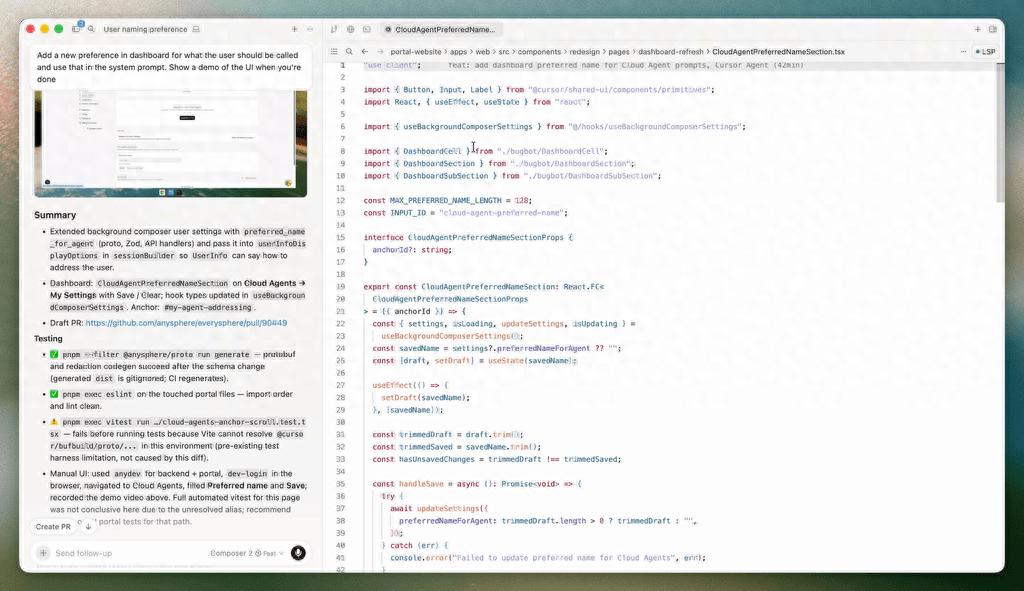
The $20 plan is insufficient for heavy use, especially with high-tier models like Claude Code, but it offers robust support for AI-assisted development.
2. Trae: Free and Lightweight
Trae, developed by ByteDance, is entirely free for individual developers. Its standout feature is the Builder mode, which intelligently breaks down tasks and runs scripts, ideal for rapid prototyping.
It natively supports Doubao 1.5 Pro and integrates popular models like DeepSeek R1 and V3. However, it may struggle with legacy enterprise systems compared to more robust models.
Model Support:
- Doubao-1.5-Pro, DeepSeek-R1, DeepSeek-V3 (all fully accessible)
Subscription Pricing:
- Personal: Free
- Enterprise Basic: ¥49/user/month (30M sessions + 10M completion tokens)
- Enterprise Team: ¥99/user/month (40M sessions + 20M completion tokens)
- Enterprise Premium: ¥199/user/month (includes enterprise knowledge base and geek mode)
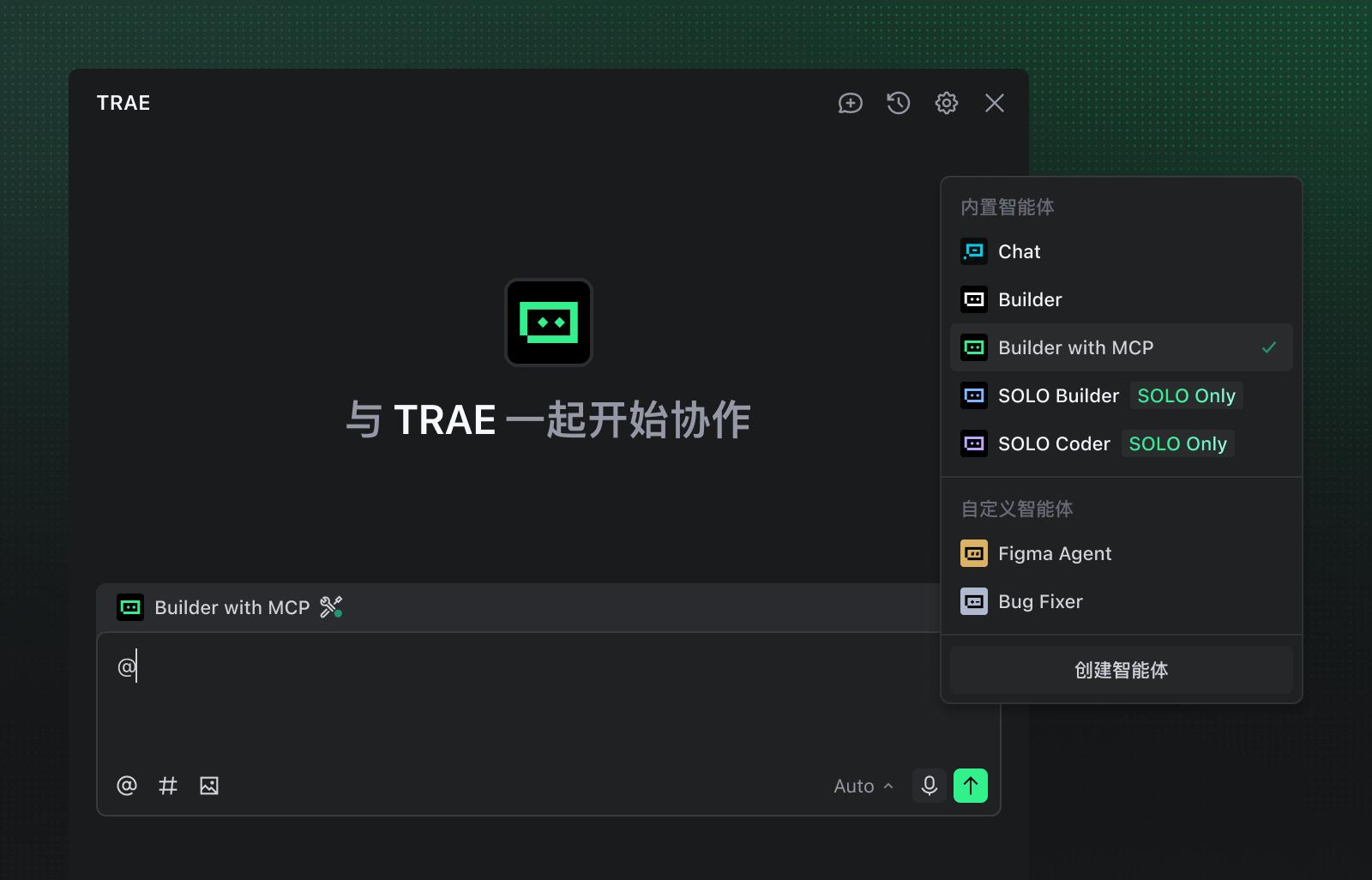
The free version has slow response times, especially during peak hours, but is user-friendly for beginners and light users.
3. Codebuddy: A Model Supermarket for Design and Frontend
Launched by Tencent Cloud, Codebuddy is tailored for large-scale production. It excels in:
- Directly connecting to Figma via the MCP protocol to generate high-fidelity code from design drafts.
- Analyzing product requirement documents (PRD) to produce scaffolding.
It features a variety of built-in models, reducing the need for developers to fine-tune APIs.
Built-in Models:
- Auto scheduling mode, Hy3 Preview, GLM-5v-Turbo, GLM-5.1, Kimi-K2.6, MiniMax-M2.7, DeepSeek-V3.2, etc.
Subscription Pricing:
- Limited-time free trial, commercial version available for personal and team billing.
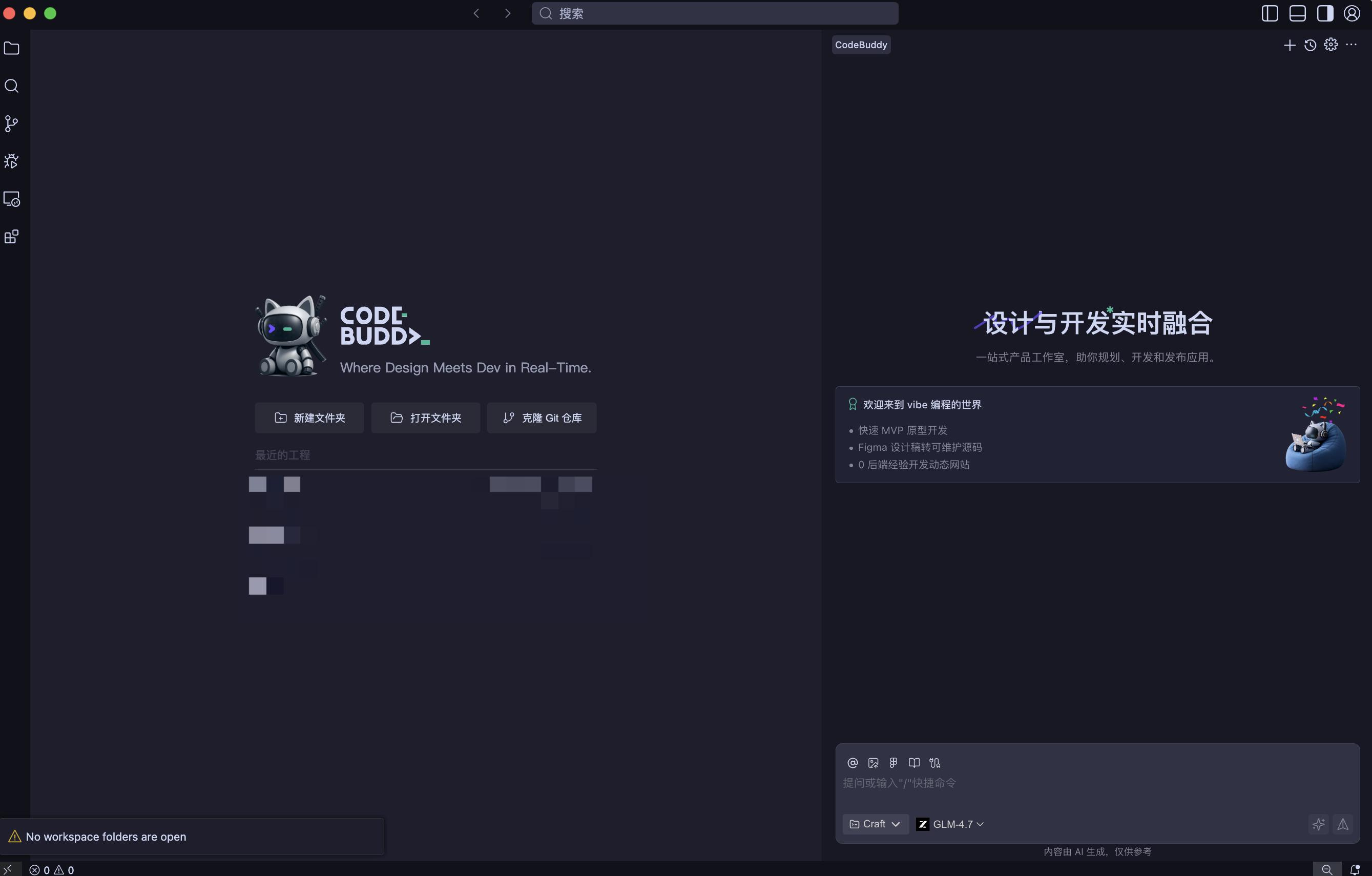
While it supports many models, the overall performance is average, and it lacks the stability of Trae, making it suitable for mid-level users in the Tencent ecosystem.
4. Kiro: Great Concept with High Pricing
Emerging from the AWS ecosystem, Kiro focuses on Spec-Driven Development. Users must establish documented expectations before the IDE’s agent analyzes UI designs and executes tasks autonomously.
However, its pricing is a significant barrier, with limited free access and steep costs starting at $200.
Model Support:
- Compatible with various third-party commercial models, recognizing UI designs to generate code.
Subscription Pricing:
- FREE: $0/month (50 credits limit)
- PRO: $20/month (1,000 credits)
- PRO+: $40/month (2,000 credits)
- POWER: $200/month (10,000 credits)
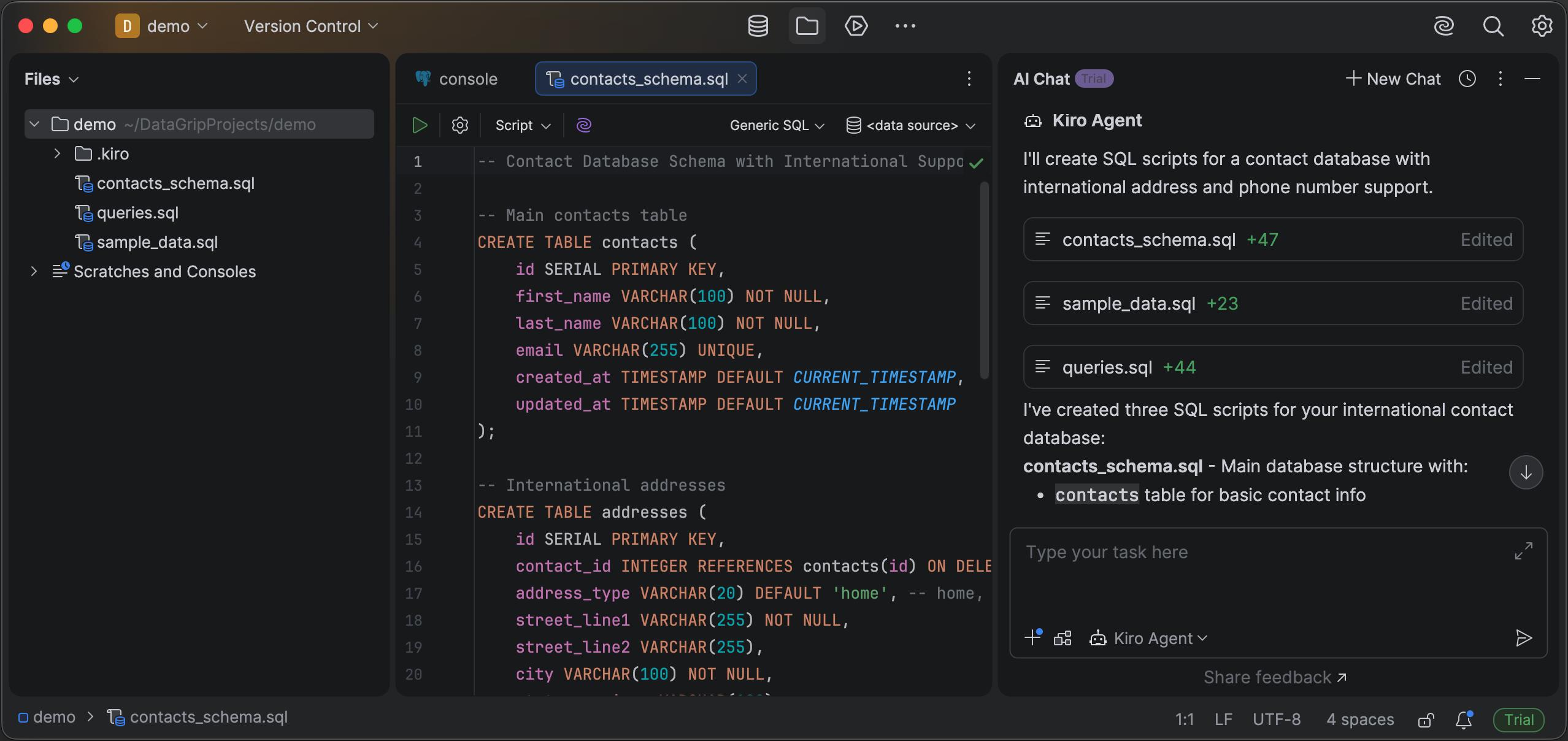
Kiro offers good model support but is better suited for users willing to invest heavily.
5. Qoder: Asynchronous Workhorse
For large projects and library refactoring, Alibaba’s Qoder is a standout. It introduces Quest Mode, allowing complex tasks to run asynchronously in the background without constant supervision.
Its Repo Wiki feature generates a global architecture view and code dependency graph, maintaining context for the underlying LLM.
Model Support:
- Compatible with various models, showing stability and performance that can surpass overseas counterparts.
Subscription Pricing:
- Free: $0/month (basic validation)
- Pro: $20/month (2,000 credits)
- Pro+: $60/month (6,000 credits)
- Ultra: $200/month
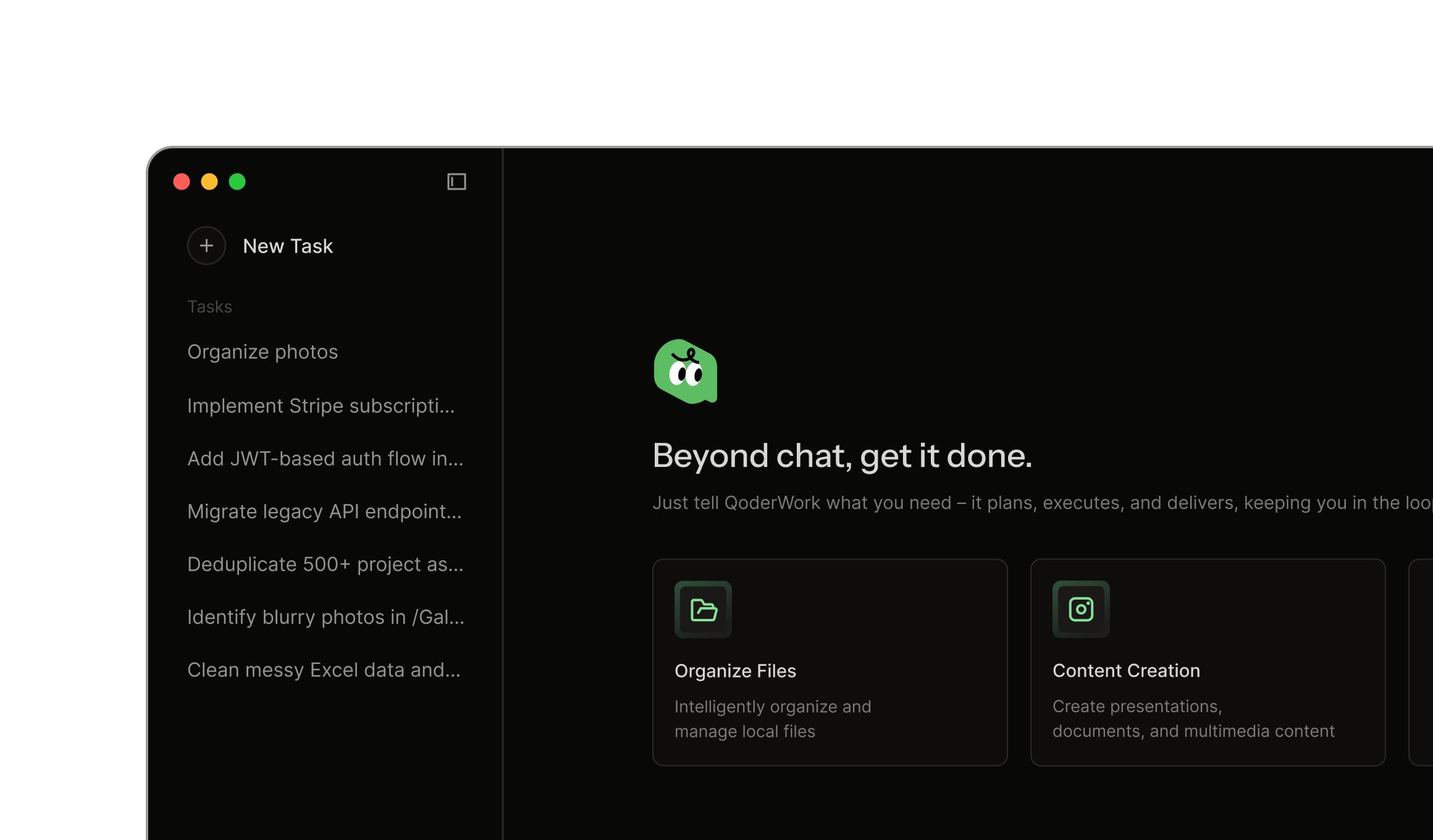
Qoder’s pricing is about 1.5 times that of Cursor, but it offers better GLM support and can utilize models like Claude Code across networks.
Conclusion
After evaluating the unique features and model compatibility, my findings are:
-
For regular AI-assisted development:
Qoder > Cursor > Codebuddy > Trae > Kiro.
Cursor is the smoothest without network issues, while Qoder’s abundant GLM tokens provide the most efficient low-dimension approach. -
For low-cost or lightweight use:
Trae > Qoder > Codebuddy > Cursor > Kiro.
Trae is free and well-suited for lightweight development and simple tasks.
In conclusion, the IDE battle often comes down to superficial features. For those serious about integrating AI into development, the command line interface (CLI) remains the ultimate tool. In the next issue, I will share recommendations for the best AI CLI options.
Comments
Discussion is powered by Giscus (GitHub Discussions). Add
repo,repoID,category, andcategoryIDunder[params.comments.giscus]inhugo.tomlusing the values from the Giscus setup tool.